Create your first sample
Answer a few questions, add your photos, and get a cover and a chapter to look at.
- Sign in or create an account. You can use your email and a password, a magic link, or Google.
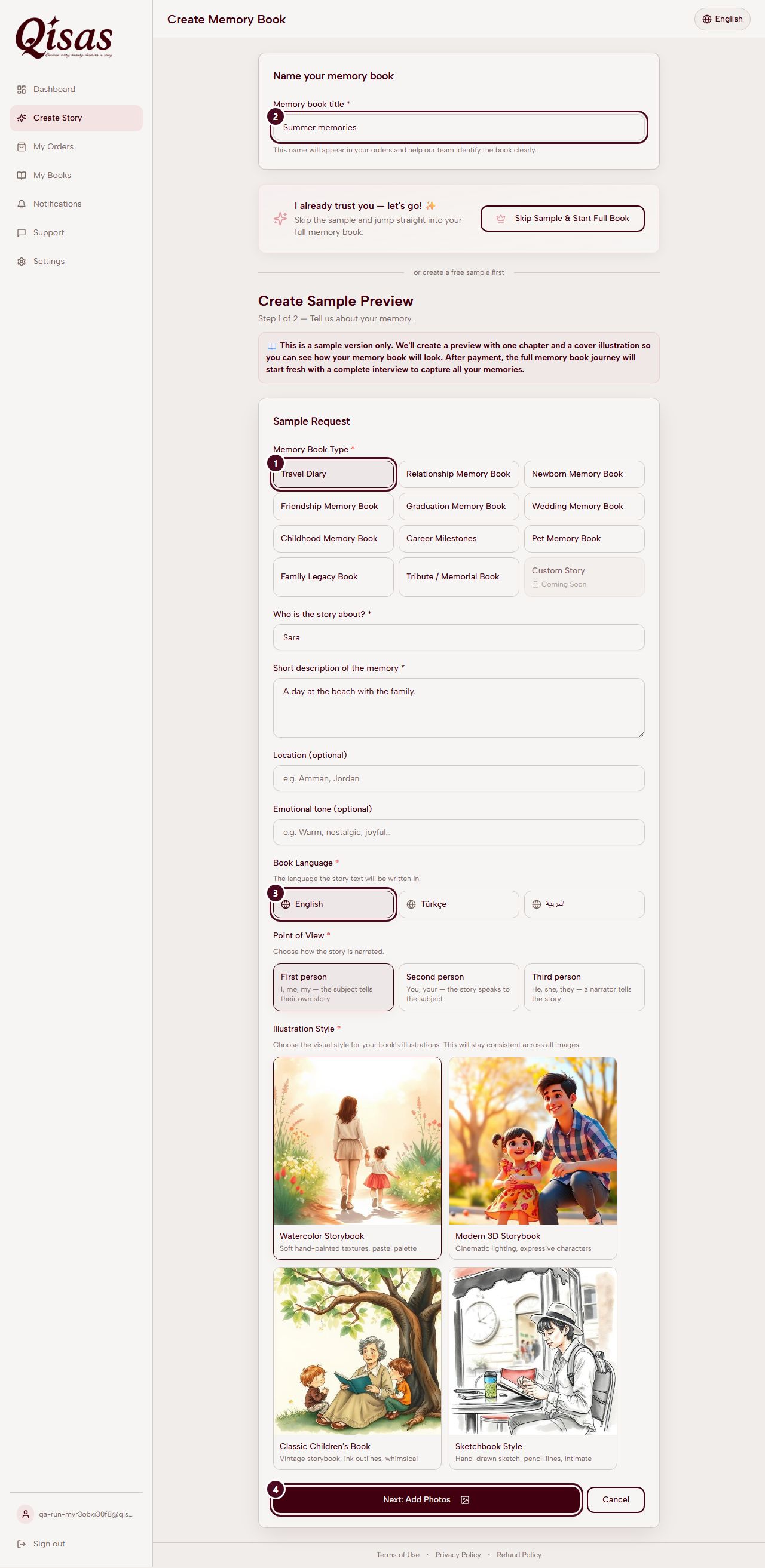
- Choose the kind of book. For example a friendship, a family story, a pet, a wedding, a trip.
- Give it a title and choose the language of the book: Arabic, Turkish or English.
- Tell us the story in a few lines. Who is in it, where it happens, how it should feel.
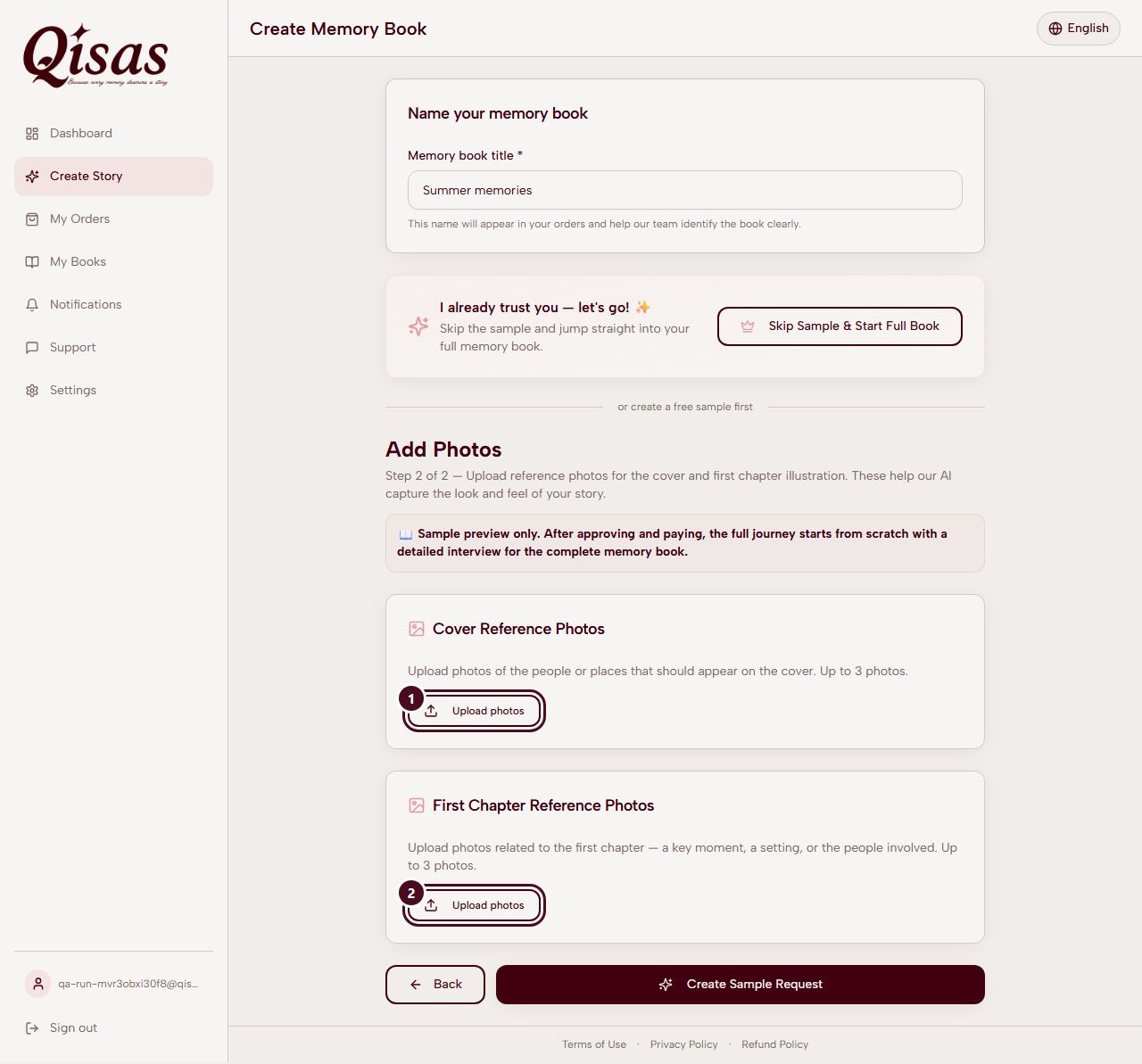
- Add photos. Photos for the cover (up to three) and photos for the chapter. See Photos that work best.
- Choose an illustration style and send the request.
- Wait for your sample. You will see its progress on the order page, and you will get a notification and an email when it is ready.
- Look at it. Read the chapter, look at the cover and the picture. You can ask for a revision if something should change.
What the screens look like