Sign in with Google
Use your Google account instead of a password.
- Open the sign-in page.
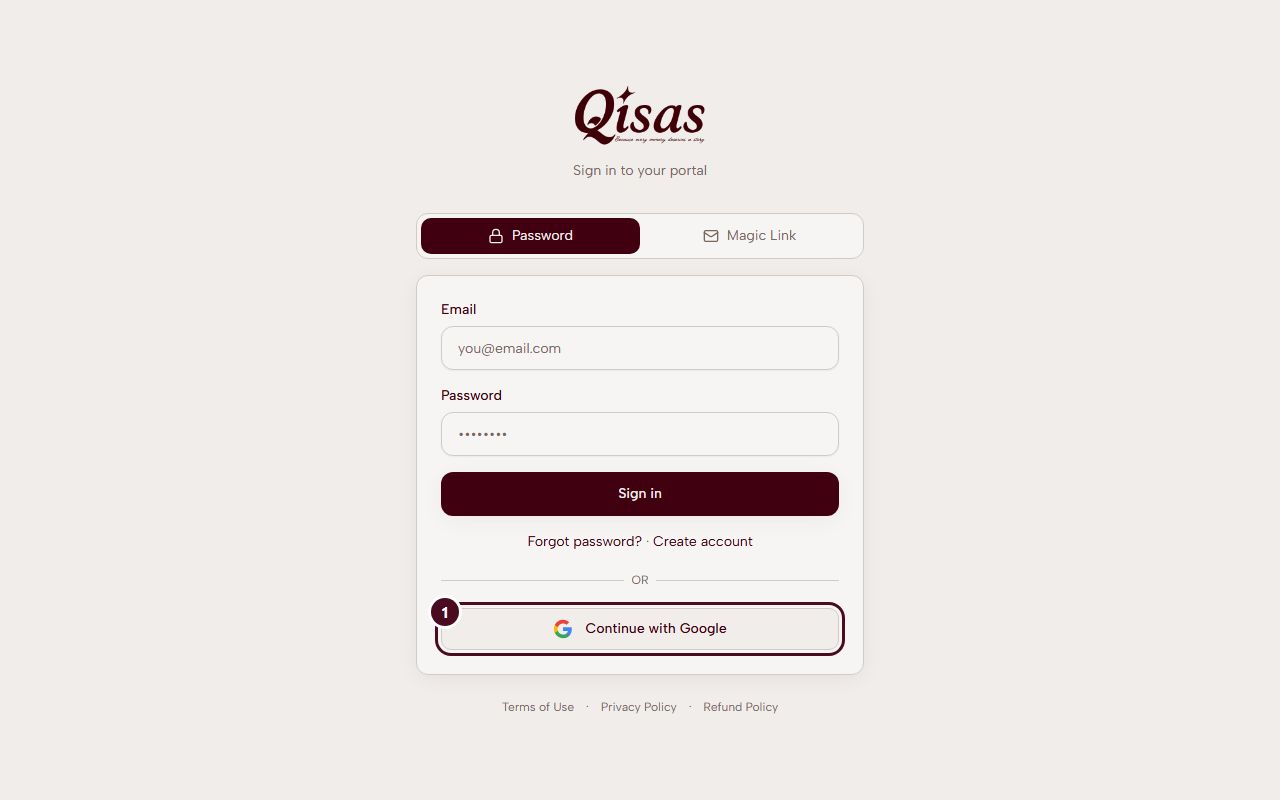
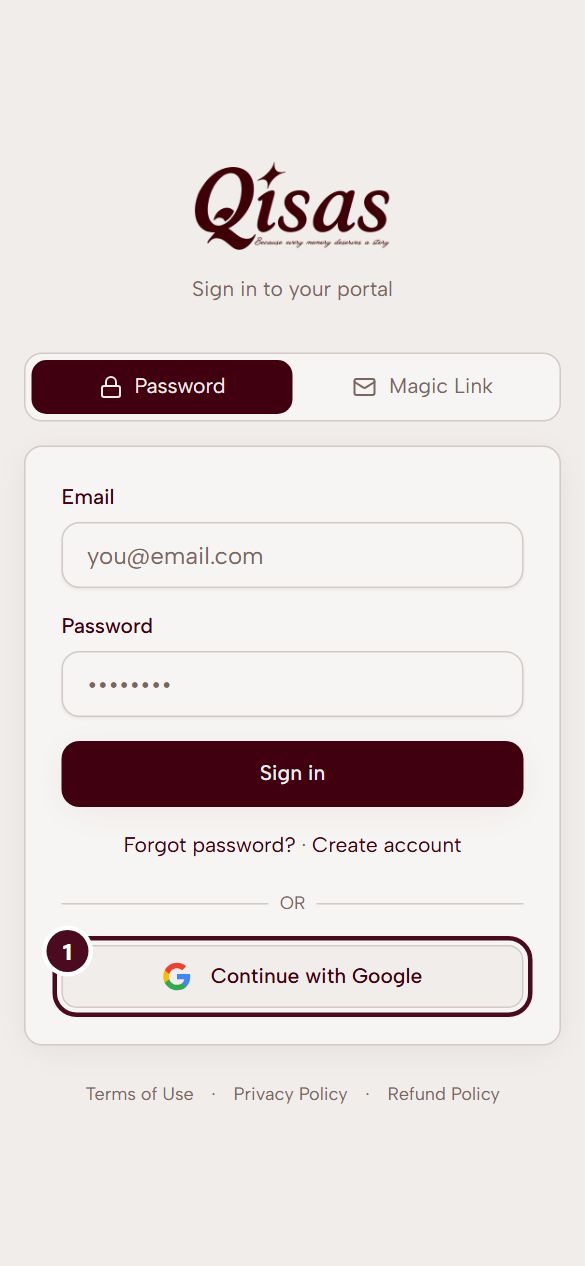
- Choose Continue with Google.
- Choose your Google account and allow Qisas to know your name and email.
- You arrive in your account.
If you already have a Qisas account with the same email, Google signs you in to it. Qisas never sees your Google password.
What it looks like